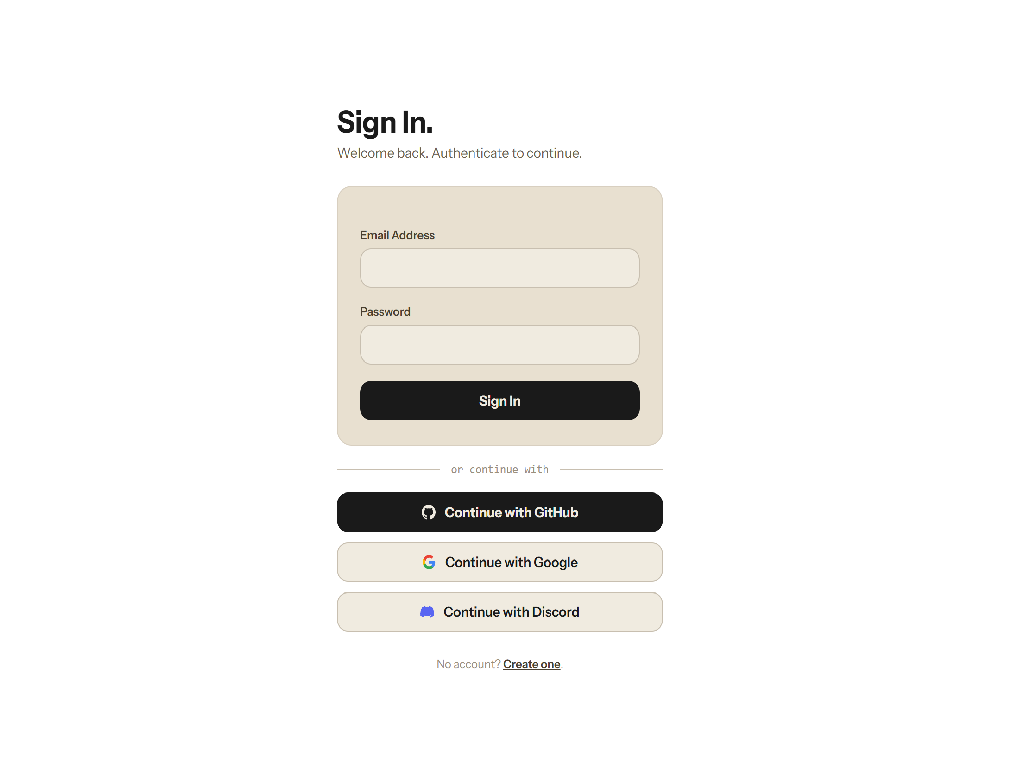
Most OAuth tutorials show you how to add "Login with GitHub" to a fresh Laravel app. They stop the moment the callback works. They do not show you what happens when a user tries to log in with Google using the same email address they already registered with GitHub. They do not show you how to let users unlink providers without locking themselves out. They do not show you what to do when Discord does not return an email at all.
This post covers the production implementation I built and open-sourced as laravel-socialite-multi-provider: multi-provider OAuth in Laravel 13 with Socialite, handling GitHub, Google, and Discord from a single controller, with account linking, a last-method guard, and proper handling of providers that omit verified emails.
The schema mistake most apps make
The instinct when adding social login is to bolt columns onto the users table: github_id, google_id, discord_id. It works for one provider. The moment you add a second, you are adding another nullable column and another index. By provider four you have a users table that is mostly nulls and a migration history that reads like a changelog of regret.
The better approach is a dedicated provider_accounts table with two unique constraints:
(user_id, provider)- one row per provider per user(provider, provider_id)- a given provider account can only be linked to one user
Adding a new provider requires zero schema changes. The controller stays generic. The model stays clean.
Schema::create('provider_accounts', function (Blueprint $table) {
    $table->id();
    $table->foreignId('user_id')->constrained()->cascadeOnDelete();
    $table->string('provider');          // 'github', 'google', 'discord'
    $table->string('provider_id');       // the ID from the provider
    $table->string('provider_token')->nullable();
    $table->string('provider_refresh_token')->nullable();
    $table->timestamps();

    $table->unique(['user_id', 'provider']);
    $table->unique(['provider', 'provider_id']);
});
The users table keeps password nullable. A user who signs up via GitHub has no password yet, and that is perfectly valid. They can add one later through account settings.
One controller for all providers
Rather than a GithubController, a GoogleController, and a DiscordController that each do identical things with a different string literal, a single SocialiteController handles all providers via a {provider} route parameter.
// routes/web.php
Route::get('/auth/{provider}/redirect', [SocialiteController::class, 'redirect'])
    ->name('socialite.redirect');

Route::get('/auth/{provider}/callback', [SocialiteController::class, 'callback'])
    ->name('socialite.callback');
The redirect method is trivial. The callback is where the interesting decisions happen:
class SocialiteController extends Controller
{
    public function redirect(string $provider): RedirectResponse
    {
        abort_unless(in_array($provider, ['github', 'google', 'discord']), 404);

        return Socialite::driver($provider)->redirect();
    }

    public function callback(string $provider, AccountLinker $linker): RedirectResponse
    {
        abort_unless(in_array($provider, ['github', 'google', 'discord']), 404);

        try {
            $socialUser = Socialite::driver($provider)->user();
        } catch (\Exception) {
            return redirect()->route('login')->withErrors(['oauth' => 'Authentication failed.']);
        }

        return $linker->handle($provider, $socialUser);
    }
}
Validating the $provider string against an allowlist before passing it to Socialite is not optional. Without it, an attacker could craft a redirect to a provider you have not configured and potentially influence the driver resolution.
Account linking logic
The AccountLinker service is where most of the real work happens. There are four distinct states to handle:
- The provider account is already linked to a user: log them in.
- The user is already authenticated: link the provider to their existing account.
- The provider returns a verified email matching an existing user: auto-link and log in.
- None of the above: create a new user and link the provider.
class AccountLinker
{
    public function handle(string $provider, SocialiteUser $socialUser): RedirectResponse
    {
        // 1. Known provider account
        $providerAccount = ProviderAccount::where('provider', $provider)
            ->where('provider_id', $socialUser->getId())
            ->first();

        if ($providerAccount) {
            Auth::login($providerAccount->user);
            return redirect()->intended('/dashboard');
        }

        // 2. Authenticated user linking a new provider
        if (Auth::check()) {
            $this->linkProvider(Auth::user(), $provider, $socialUser);
            return redirect()->route('account.providers')
                ->with('success', ucfirst($provider) . ' linked successfully.');
        }

        // 3. Auto-link by verified email
        if ($socialUser->getEmail()) {
            $user = User::where('email', $socialUser->getEmail())->first();

            if ($user) {
                // Safe only because the provider has verified email ownership
                $this->linkProvider($user, $provider, $socialUser);
                Auth::login($user);
                return redirect()->intended('/dashboard');
            }
        }

        // 4. New user
        $user = $this->createUser($provider, $socialUser);
        Auth::login($user);
        return redirect()->intended('/dashboard');
    }

    private function linkProvider(User $user, string $provider, SocialiteUser $socialUser): void
    {
        $user->providerAccounts()->updateOrCreate(
            ['provider' => $provider],
            [
                'provider_id'            => $socialUser->getId(),
                'provider_token'         => $socialUser->token,
                'provider_refresh_token' => $socialUser->refreshToken,
            ]
        );
    }

    private function createUser(string $provider, SocialiteUser $socialUser): User
    {
        return DB::transaction(function () use ($provider, $socialUser) {
            $user = User::create([
                'name'  => $socialUser->getName() ?? $socialUser->getNickname() ?? 'User',
                'email' => $socialUser->getEmail(),
            ]);

            $this->linkProvider($user, $provider, $socialUser);

            return $user;
        });
    }
}
The auto-link on matching email is a deliberate trade-off. It is safe when the provider guarantees it has verified the email address, which Google and GitHub both do. Discord is a different story.
Handling providers that omit email
GitHub users can set their email to private. Discord does not include email in the default scope. Both mean $socialUser->getEmail() returns null, and the auto-link path is unavailable.
The worst thing you can do is silently create a new user with a null email. The second worst thing is asking the user to type in an email and treating it as verified, because it is not: the provider never confirmed they own it.
The right approach depends on whether email is required in your application. If it is, request the email scope explicitly and inform the user why. If it is optional, route to a confirmation screen that clearly communicates the email has not been verified:
// For Discord, request email scope explicitly
public function redirect(string $provider): RedirectResponse
{
    abort_unless(in_array($provider, ['github', 'google', 'discord']), 404);

    $driver = Socialite::driver($provider);

    if ($provider === 'discord') {
        $driver->scopes(['identify', 'email']);
    }

    return $driver->redirect();
}
Even with the email scope, a Discord user may not have a verified email on their account. Check $socialUser->user['verified'] before trusting the address for auto-linking.
The last-method guard
Account unlinking is straightforward until a user tries to remove their only login method. If they registered via GitHub and have no password set, removing their GitHub link makes the account permanently inaccessible.
The guard logic runs before any unlink action:
class AccountController extends Controller
{
    public function unlinkProvider(string $provider): RedirectResponse
    {
        $user = Auth::user();

        // Count remaining auth methods: password + each linked provider
        $providerCount = $user->providerAccounts()->count();
        $hasPassword   = ! is_null($user->password);
        $totalMethods  = $providerCount + ($hasPassword ? 1 : 0);

        if ($totalMethods <= 1) {
            return back()->withErrors([
                'provider' => 'You cannot remove your only login method. Add a password or link another provider first.',
            ]);
        }

        $user->providerAccounts()->where('provider', $provider)->delete();

        return back()->with('success', ucfirst($provider) . ' unlinked.');
    }
}
This is simple arithmetic: count all available login routes and block the action if only one remains. No special casing, no flags, no magic.
Testing the edge cases
The happy path (OAuth callback creates a new user) is easy to test. The edge cases are where things fall apart in production. The test suite uses SQLite in-memory and mocks Socialite's driver resolution:
it('auto-links on matching verified email', function () {
    $user = User::factory()->create(['email' => 'user@example.com']);

    $socialUser = Mockery::mock(SocialiteUser::class);
    $socialUser->shouldReceive('getId')->andReturn('gh_12345');
    $socialUser->shouldReceive('getEmail')->andReturn('user@example.com');
    $socialUser->shouldReceive('getName')->andReturn('Test User');
    $socialUser->token        = 'tok_abc';
    $socialUser->refreshToken = null;

    Socialite::shouldReceive('driver->user')->andReturn($socialUser);

    $response = $this->get('/auth/github/callback');

    $response->assertRedirect('/dashboard');
    $this->assertAuthenticatedAs($user);
    $this->assertDatabaseHas('provider_accounts', [
        'user_id'     => $user->id,
        'provider'    => 'github',
        'provider_id' => 'gh_12345',
    ]);
});

it('blocks unlinking the last login method', function () {
    $user = User::factory()->create(['password' => null]);
    $user->providerAccounts()->create([
        'provider'    => 'github',
        'provider_id' => 'gh_99',
    ]);

    $this->actingAs($user)
        ->delete('/account/providers/github')
        ->assertSessionHasErrors('provider');

    $this->assertDatabaseCount('provider_accounts', 1);
});
Write a test for every named state in your AccountLinker: known provider, authenticated link, auto-link by email, new user creation. Write a test for the last-method guard with each combination of zero password plus one provider, one password plus zero providers. These are the cases that produce support tickets at 2am.
Summary
The patterns here are not complex, but they require deliberate decisions that most tutorials skip:
- Use a
provider_accountstable, not columns on users. Your schema stays stable as providers change. - One generic controller with an allowlisted
{provider}parameter. No duplicate code per provider. - Treat email-based auto-linking as a trust decision. Only auto-link when the provider has verified the address.
- Make password nullable and treat OAuth and password as equal, interchangeable login methods.
- Implement a last-method guard before any unlink action. The check is simple; the absence of it is not.
- Request email scope explicitly for providers that omit it by default, and verify the
verifiedflag before acting on the result.
The full working implementation is available on GitHub. If you are building something similar or want to talk through the approach, get in touch via the contact section.