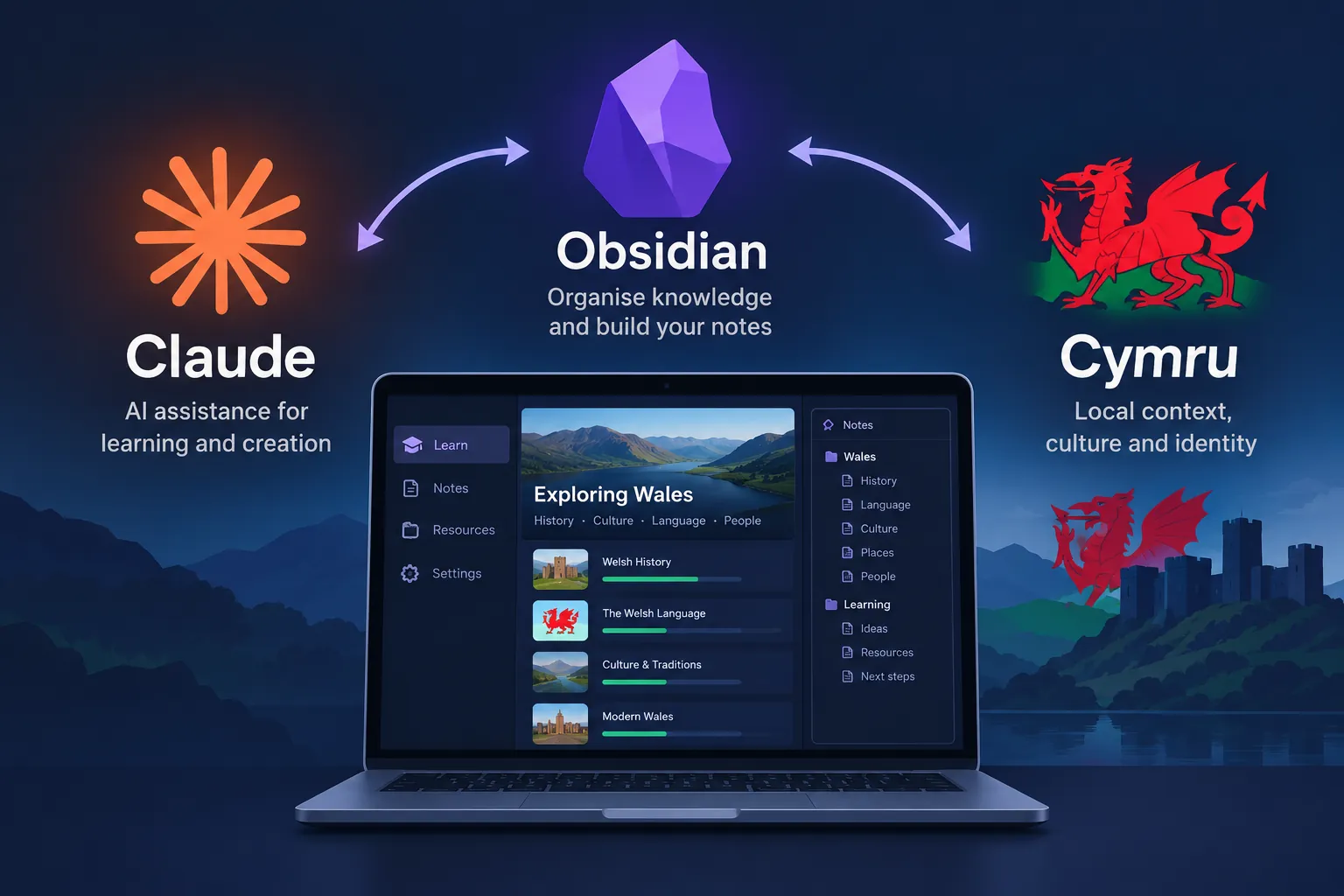
I wanted to learn Welsh properly, not through a gamified app that forgets everything I did the day before. So I built dysgu-cymraeg, a plain Obsidian vault that holds the entire curriculum as Markdown, gets new content generated into it by Claude Code, and syncs every session's progress to GitHub through the Git plugin. No backend, no database, no app to maintain. Just files, links, and two tools that already do their jobs well.
This post walks through how the three pieces fit together: the vault structure, the daily and weekly automation scripts, and the workflow of using Claude Code as an editor inside Obsidian rather than as a separate chat window you copy answers out of.
Why a vault instead of an app
Duolingo and similar apps are good at repetition and bad at depth. They will not explain why a mutation happens, they will not let you cross-reference a verb conjugation against a grammar note you wrote last week, and they own your data. A vault flips all three. Every note is a plain .md file, every concept can link to every other concept, and the whole thing lives in a Git repository I control.
The vault is organised around a single entry point, General/1- Cymraeg MOC.md, a map of content that links out to everything else:
- General/ - 17 grammar modules covering mutations, tenses, and sentence structure
- Vocabulary/ - thematic word lists, every entry marked with gender and a phonetic guide
- Discussions/ - 15 conversation topics for speaking practice
- Reading Practice/ - graded texts from CEFR A1 through B1
- Songs/ - Welsh songs with full phonetics, useful for pronunciation drilling
- Weekly Practice/ - a 12-week curriculum roadmap with assessments
- Daily Practice/ - auto-generated, one dated note per study session
Because it is all Markdown, none of this depends on Obsidian to be useful. Obsidian just makes the wikilinks and backlinks pleasant to navigate. The content would still work opened in VS Code or on GitHub's own file viewer.
Daily content generation
The habit that actually moves the needle in language learning is showing up every day, not the occasional long session. .scripts/dw-cymraeg-daily.sh exists purely to remove the "what do I practise today" decision:
#!/usr/bin/env bash
set -euo pipefail

VAULT_ROOT="$(cd "$(dirname "${BASH_SOURCE[0]}")/.." && pwd)"
TODAY=$(date +%Y-%m-%d)
OUT="$VAULT_ROOT/Daily Practice/${TODAY}.md"

if [ -f "$OUT" ]; then
  echo "Daily note for ${TODAY} already exists, skipping."
  exit 0
fi

EXERCISE_TYPES=(pronunciation phrase verb-conjugation vocabulary translation mutation)
PICKED=${EXERCISE_TYPES[$RANDOM % ${#EXERCISE_TYPES[@]}]}

cat > "$OUT" <<EOF
# Daily Practice - ${TODAY}

**Focus:** ${PICKED}

- [ ] Warm-up: review yesterday's [[${TODAY}|note]] links
- [ ] ${PICKED} drill (see linked module in General/)
- [ ] Write 3 sentences using today's vocabulary
- [ ] Mark completed items and note anything that needs revisiting

## Notes
EOF

echo "Created ${OUT}"
Two design decisions matter here. First, it auto-detects the vault root from its own location rather than assuming a hardcoded path, so it runs the same whether it is invoked from the vault or added to PATH. Second, it refuses to overwrite an existing note for the day. Running it twice by accident does not wipe out ticked-off progress.
The exercise type is picked at random from a fixed set rather than following a fixed rotation. In practice this matters more than it sounds: a fixed Monday-is-always-verbs rotation becomes something you start skipping once you know what is coming. Randomising it keeps every morning's note slightly unpredictable.
Weekly practice and the curriculum roadmap
Daily notes handle consistency, but they are too small a unit to track actual progress against the CEFR levels. That is what Weekly Practice/ is for: a 12-week roadmap, each week mapped to specific grammar modules and vocabulary sets that should be complete by that point, with an assessment note at the end of each week.
The assessment notes are deliberately low-tech, a checklist plus a self-graded confidence rating rather than a scored quiz:
## Week 4 Assessment - Mutations

- [ ] Can identify soft mutation triggers (feminine nouns after "y", after prepositions)
- [ ] Can identify nasal mutation triggers (after "fy", "yn")
- [ ] Can identify aspirate mutation triggers (after "ei" for "her" vs "his")
- [ ] Completed all 3 mutation drills in Daily Practice this week

**Confidence (1-5):** _
**Carry forward to Week 5:** _
Anything below a self-rated 4 gets carried forward as a note in the next week's file rather than silently dropped. That single line is the entire spaced-repetition mechanism in this system, and it works precisely because it is a link between two Markdown files rather than a scheduling algorithm.
Claude Code as the content engine
The scripts handle structure and repetition. Claude Code handles the actual content generation, which is the part that would otherwise take hours per week: writing new graded reading texts, drafting conversation dialogues for the Discussions folder, or expanding a grammar module when a daily practice note surfaces a gap.
The workflow is deliberately unglamorous. I open the vault folder in a terminal, run claude, and work the same way I would on any codebase: point it at a specific file, describe what is missing, and let it write directly into the Markdown. Asking it to add an A2-level reading text produces something like this, following the vault's existing conventions:
## Yn y Dref (In Town)

Dw i'n mynd i'r dref bore 'ma. *(I'm going to town this morning.)*
Mae'n rhaid i fi brynu bara a llaeth. *(I need to buy bread and milk.)*

**bara** (m) - bread - /ˈbara/
**llaeth** (m) - milk - /ɬaɨθ/
**tref** (f) - town - /treːv/

> [!question]- Cyfieithwch (Translate)
> "I need to buy bread." - *Mae'n rhaid i fi brynu bara.*
Because the whole vault is plain text under version control, Claude Code can read the existing grammar modules and vocabulary lists for context before writing anything new. Asking it to add a reading text about visiting a doctor produces vocabulary consistent with what has already been introduced, rather than a text that assumes words from three CEFR levels ahead. That consistency is the actual reason this setup works better than pasting prompts into a separate chat window: the model is editing the same files it can also read.
The vault ships an .agents/skills/ folder as a light reference for this, short prompt notes describing the phonetic format, the gender-marking convention, and the collapsible-answer callout style, so a fresh session produces content that matches what is already there instead of drifting into a different format every time.
Syncing progress with the Obsidian Git plugin
None of this is useful if a laptop dies and six months of daily notes disappear with it. The vault uses Obsidian's community Git plugin to handle that without turning version control into a chore.
Configuration is a handful of settings inside Obsidian itself (Settings → Community plugins → Git):
- Auto backup after file change set to a short interval, so a completed daily note gets committed within minutes, not at the end of a session someone might forget to close out
- Auto pull on startup enabled, so opening the vault on a different machine picks up whatever was committed elsewhere first
- Commit message template set to something like
vault backup: {{date}}, since the point is continuous sync, not a curated commit history
The result is that git log on this repository is effectively a study log. Every commit corresponds to a study session, and the diff shows exactly which notes were touched and which checkboxes got ticked. That is a side effect I did not plan for but now rely on: scrolling the commit history is a faster way to answer "did I actually study this week" than any dashboard would be.
The plugin's own conflict handling is enough for a single-writer vault. If two devices commit before pulling, Obsidian surfaces the conflict as a normal merge, resolved the same way any other Markdown merge conflict would be, by hand, in the editor.
How the pieces actually combine
None of the three components does much alone. The daily script is just a file generator. The Git plugin is just a sync tool. Claude Code is just an editor with a large model attached. What makes this a learning platform rather than three unrelated tools is that they all operate on the same plain-text substrate:
- The daily script creates the note that gives a session structure
- Claude Code fills in or extends content, reading the rest of the vault for consistency
- Obsidian's wikilinks tie the new note back to the relevant grammar module or vocabulary list
- The Git plugin commits the result automatically, so progress is never dependent on remembering to save anything
There is no lock-in anywhere in that chain. Swap Obsidian for any Markdown editor and the vault still works. Swap Claude Code for manual writing and the structure still holds. Stop syncing to GitHub and you lose backup and multi-device access, nothing else. Each layer is replaceable, which is exactly what makes the whole thing durable.
Summary
Dysgu Cymraeg is not a clever piece of engineering. It is a Markdown vault, a couple of small shell scripts, and two Obsidian plugins, doing a job that a purpose-built app would usually charge a subscription for. The interesting part is not any single component, it is that plain files plus Git plus an AI coding assistant that can read and write those files turn out to be enough to run a full 12-week curriculum with daily habit tracking and zero infrastructure.
If you want to adapt this for another language, the repository is open on GitHub. If you are building something similar and want to talk through the approach, get in touch via the contact section.